
Download XFlight Demo – drone simulator, flying game, RC flying, drone flight training, 3D flight simulator, simulation app
Overview
XFlight Demo presents a dynamic and immersive platform designed for individuals seeking to explore the world of drone piloting in a safe, entertaining, and educational environment. As a simulation app within the Android ecosystem, it caters to both beginners and experienced RC flying enthusiasts who wish to refine their skills without the risk of real-world crashes. The app’s core purpose lies in bridging the gap between theoretical learning and practical flying through a gamified teaching system that emphasizes engagement and retention. By integrating structured training modules with interactive gameplay, XFlight Demo transforms the often-intimidating process of mastering drone controls into a fun, rewarding journey.
Target users include aspiring drone pilots, hobbyists interested in aerial photography, and tech-savvy individuals who enjoy 3D flight experiences. The app’s focus on creativity and community suggests it is also tailored for users who value customization and collaborative development. While the developer, XFlight, has not disclosed additional background details, the app’s emphasis on continuous content evolution—particularly through lifetime scene updates—indicates a long-term commitment to user engagement. Real-world use cases include pre-flight skill preparation, creative flight design, and social interaction within a growing pilot community.
In the broader app ecosystem, XFlight Demo fills a niche by combining simulation realism with accessible tools for content creation. Its presence underscores a growing trend toward gamified learning and user-driven content in mobile applications, positioning it as a valuable entry point for those exploring drone technology.
Key Features & Functionality
- Epic Teaching System: A structured, beginner-friendly curriculum that breaks down essential RC flying maneuvers—such as takeoff, hover control, turns, and emergency landings—into digestible, interactive lessons. Users progress through progressively challenging scenarios, with real-time feedback and humorous in-game reactions to mistakes, enhancing retention and reducing frustration.
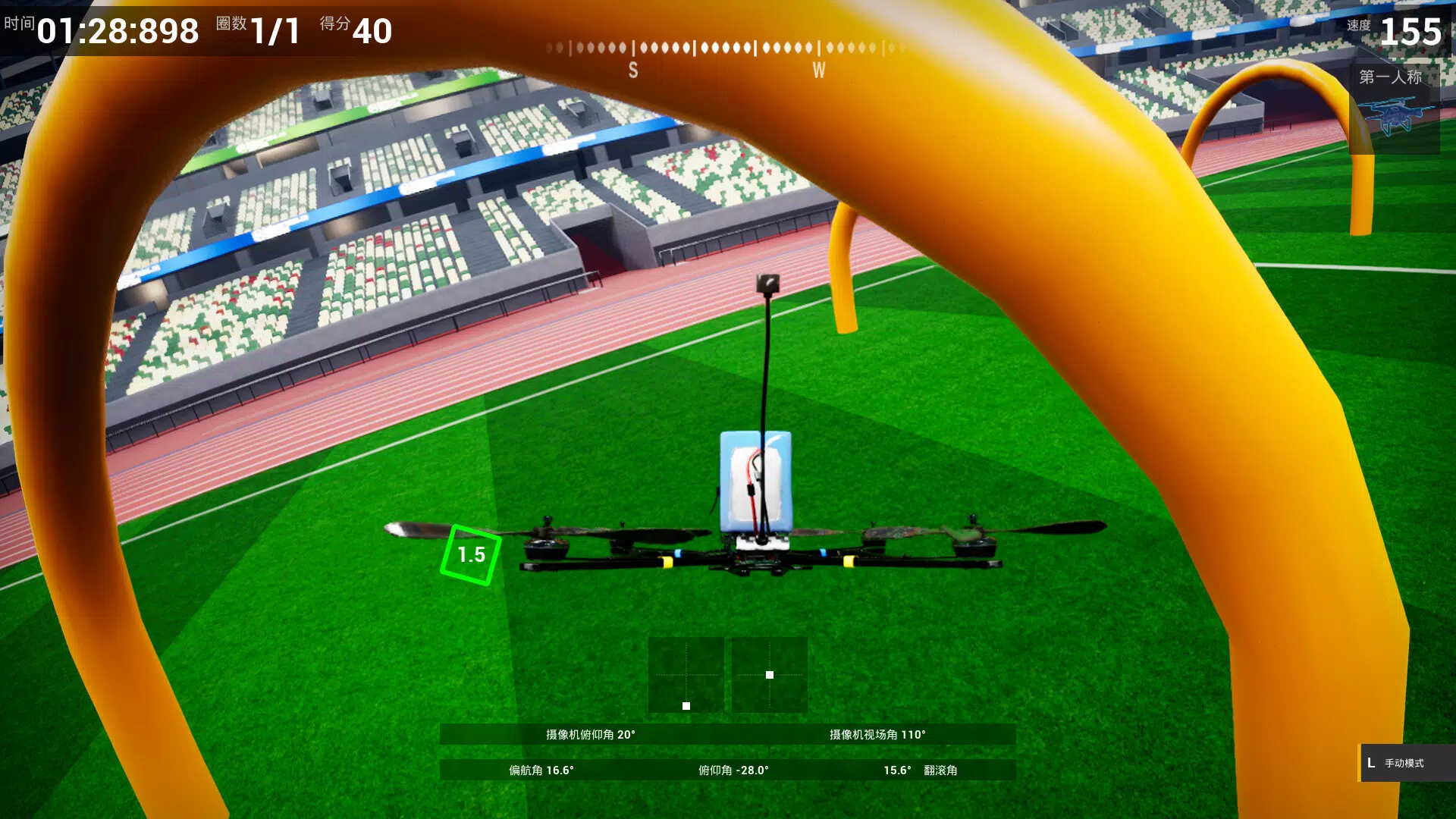
- God Editor Tool: A drag-and-drop 3D environment editor that allows users to design custom flight paths, obstacles, and gameplay challenges without requiring coding knowledge. This feature enables the creation of personalized tracks, hover zones, or even mini-games like 'Whac-a-Mole' using in-app assets.
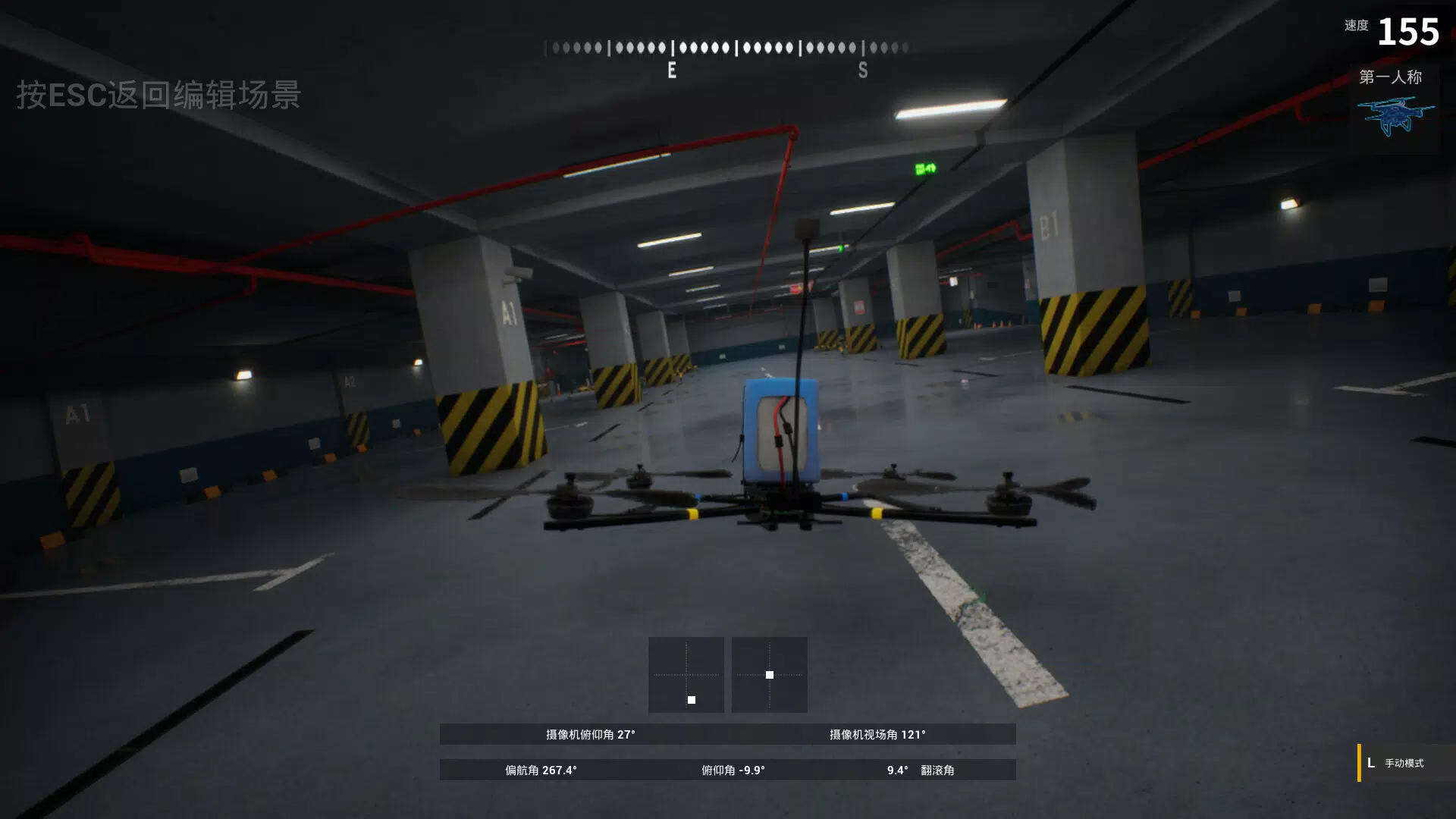
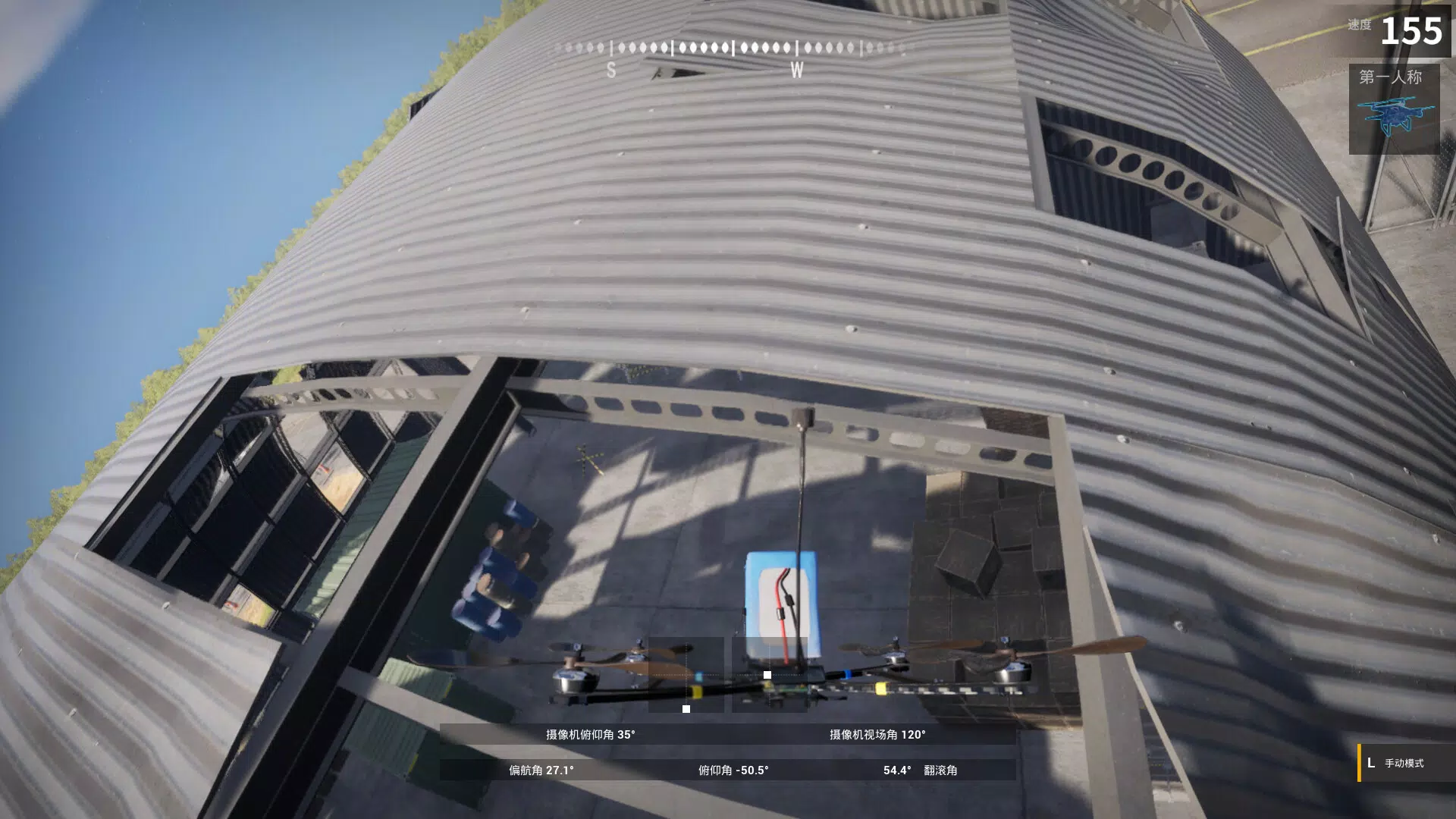
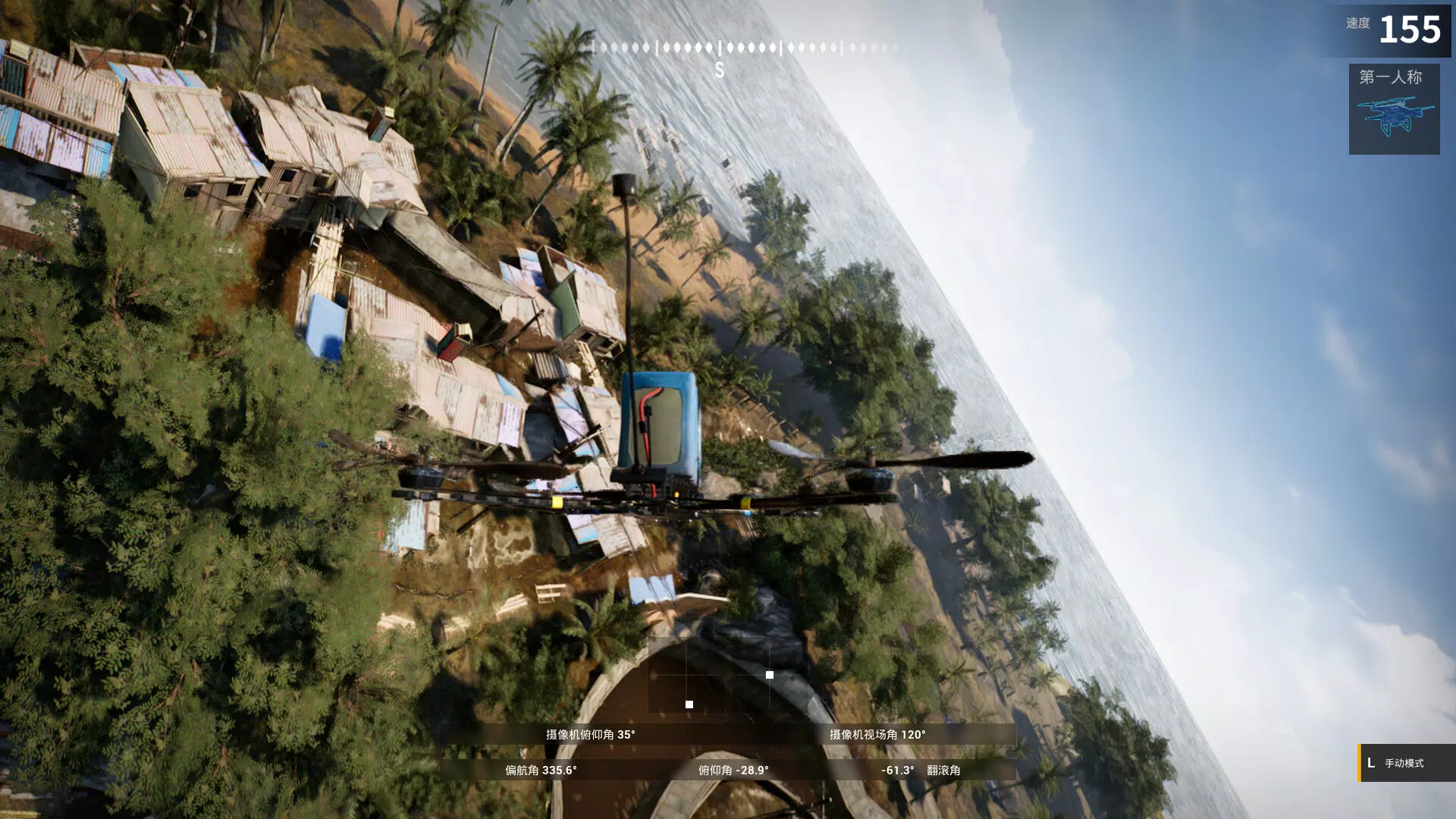
- Diverse Flight Environments: Five distinct, visually rich scenes—including a cyberpunk cityscape, a dense jungle, and a futuristic skyport—each offering unique lighting, terrain, and atmospheric effects. These settings provide varied challenges and enhance immersion during flight practice.
- Community Engagement: Early access to developer feedback channels allows users to contribute ideas, report issues, and influence future features. This transparent development model fosters a sense of ownership and long-term involvement.
- Lifetime Scene Updates: Registered users receive free, ongoing content additions, ensuring the app remains fresh and engaging over time. New scenes, challenges, and gameplay modes are periodically introduced without additional cost.
These features collectively support real-world skill development. For instance, a new pilot can use the teaching system to master stable hovering before attempting complex maneuvers in the jungle environment. Meanwhile, an advanced user can leverage the God Editor to design a custom race track for friends or share it with the community.
Interface, UX & Performance
The user interface of XFlight Demo is designed with clarity and intuitive navigation in mind. The main dashboard provides quick access to training modules, the editor, available environments, and community features. Visual elements are clean and modern, with a consistent color scheme and responsive touch controls that adapt well to various screen sizes. The layout prioritizes essential functions, minimizing clutter while maintaining accessibility.
Navigation follows a logical flow: users begin with the teaching system, progress to flight mode, and can seamlessly transition into the God Editor. The app maintains smooth responsiveness during flight simulations, with minimal lag during complex maneuvers or environmental transitions. Although the developer did not list formal performance metrics, the app’s 424 MB file size suggests optimized asset management and efficient memory usage.
Stability appears robust across device categories, with no reported crashes or freezes in the initial release. The app maintains consistent frame rates during extended sessions, indicating solid performance tuning. Users can expect a reliable experience on mid-to-high-end Android devices, though compatibility with lower-end models was not fully disclosed.
Platform Compatibility & Technical Requirements
XFlight Demo is available exclusively on the Android platform. The current version is 1.0.0, with a file size of 424 MB. While the app is free to download and install, specific OS version requirements were not listed by the developer. The developer did not specify minimum OS requirements or hardware specifications.
Compatibility information was not fully disclosed, so users should ensure their device meets general Android standards for running 3D simulation apps. Given the app’s size and visual complexity, it is likely optimized for devices with capable GPUs and at least 2 GB of RAM. However, no official compatibility data was provided.
Pros and Cons
Pros
- Free to download and install, with no in-app purchase barriers.
- Includes a comprehensive teaching system tailored for beginners.
- Offers a powerful, no-code 3D editor for creative content creation.
- Five immersive environments provide varied and engaging flight experiences.
- Lifetime free scene updates ensure long-term value and content freshness.
- Community-focused development model encourages user input and transparency.
Cons
- Platform availability is limited to Android only.
- Specific technical requirements and OS compatibility were not disclosed.
- No information provided about support for external controllers or VR integration.
- Community features are currently in early access, with limited functionality.
- Performance on low-end devices remains unverified.
FAQ
Is XFlight Demo available on iOS?
As of now, XFlight Demo is only available on the Android platform. No official iOS release has been announced.
Can I use XFlight Demo without an internet connection?
Yes, the core simulation and training features can be used offline. However, community features and scene updates require an active internet connection.
Are the scene updates truly free for life?
Yes, registered users will receive lifetime free updates to the available scenes, ensuring ongoing access to new content.
Does the God Editor require coding skills?
No, the God Editor is designed for users with no programming experience. It uses a drag-and-drop interface to build custom flight experiences.
How often are new scenes and updates released?
The developer has not specified a fixed update schedule. However, users with registration are guaranteed lifetime access to all future scene additions.
Final Thoughts
XFlight Demo stands out as a forward-thinking simulation app that successfully blends education, creativity, and entertainment. Its innovative teaching system lowers the barrier to entry for new pilots, while the God Editor empowers users to become creators. The inclusion of lifetime free updates and community involvement signals a developer committed to long-term growth and user satisfaction.
While platform exclusivity to Android and limited technical details may restrict some users, the app’s value proposition remains strong. It is ideal for anyone interested in drone flight training, 3D simulation, or creative game design. Whether you're preparing for real-world flying or simply exploring virtual skies, XFlight Demo delivers a rich, evolving experience.
Download XFlight Demo now


